But one part of accessibility can still get missed - the website.
I recently spoke with a charity leader who was already thinking seriously about accessibility across their organisation. We talked about services, information and the different needs of the people they support. When the website came up, the response was simple: “We didn’t think about that.”
That stayed with me because it was not a lack of care. They clearly cared a lot about accessibility. The website had just not automatically become part of that conversation.

A website can look fine and still be difficult to use.
This is one of the biggest misunderstandings I come across. A website can look clean, modern, and easy to use to someone looking at the screen, but that doesn't automatically mean it works well for someone using a screen reader, magnification, a keyboard instead of a mouse, or another type of assistive technology.
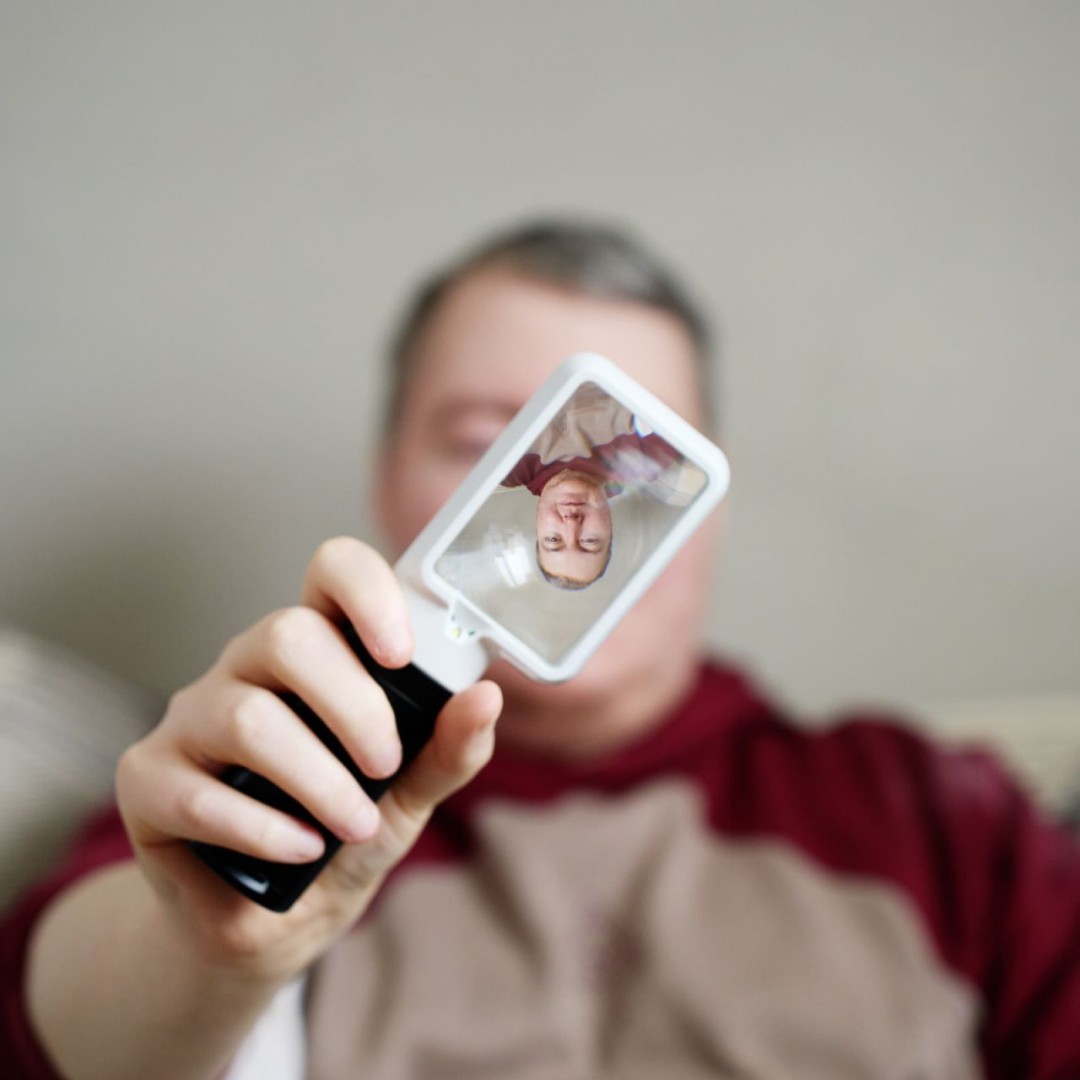
I am registered partially sighted and use screen readers and magnification in my own daily life, so I experience websites differently from someone who is simply looking at the screen.
Things that seem quite small can completely change whether I can get something done. A button might be obvious visually but make little sense when read aloud. A form might tell a sighted person exactly where they have made a mistake, while someone using a screen reader is left wondering why it will not submit. Text might technically be there but be difficult to read because of poor contrast. A PDF might contain important information but be hard to navigate.
None of those problems necessarily make the whole website stop working, and that is partly why they are so easy to miss.
The website still loads. Other people are still filling in forms. Emails are still arriving. From inside the organisation, everything can appear to be working normally.
The important question is whether people can actually get where they need to go!
When I look at accessibility, I care about more than whether an individual page passes a check. I want to know what somebody is trying to do and whether they can complete that task from beginning to end.
If they have come to the website because they need support, can they find it? If they need to complete a form, can they get all the way through it? If something goes wrong, do they understand what happened and how to fix it? If the journey moves from your main website onto another system, does it still make sense?
That last point matters because charity websites often rely on other platforms, such as donation systems, recruitment websites, CRM forms, event booking systems or application portals.
The organisation may see those as separate systems, but the person using them does not. To them, it is one journey. If the final part fails, the whole thing has failed.
Accessibility is not just about the people receiving
your services.
Sometimes a charity website is seen mainly as something for supporters, funders or potential donors. But disabled people are in all those groups too.
A disabled person might be trying to donate, apply for a job, volunteer, read your latest report, attend an event, learn more about your work, or access the service itself.
So even if your website is not mainly aimed at service users, accessibility still matters.
You do not need everyone to become an accessibility expert.
I do not think that is realistic.
A Head of Communications already has plenty to think about. So does someone in fundraising, HR, or service delivery. What matters is that accessibility becomes part of the way decisions are made.
When a new website is being built, someone asks about accessibility. When a new form is introduced, someone thinks about who needs to use it. When an important PDF is published, somebody considers whether everyone can read it. And when specialist testing is needed, the organisation knows when to bring in that support.
That is much more realistic than expecting every member of staff to understand screen readers, accessibility testing and technical standards in detail.